Running Low
CISC 226 - Game Design gave me the very exciting opportunity to create a game with my friends over the course of a semester. Not only did I learn a lot about what goes into making a game, I also learned a lot about coordinating and working with a team.
Description
Running Low is a 2d puzzle platformer built around the player experience goal of “urgency”. You play as a little robot called b3b0, they can run, jump, push, and climb your way through ancient decaying structures. But the longer you spend in each level, you’ll have to give up different functions: run speed, jump height, climbing, etc.
How did we get here?
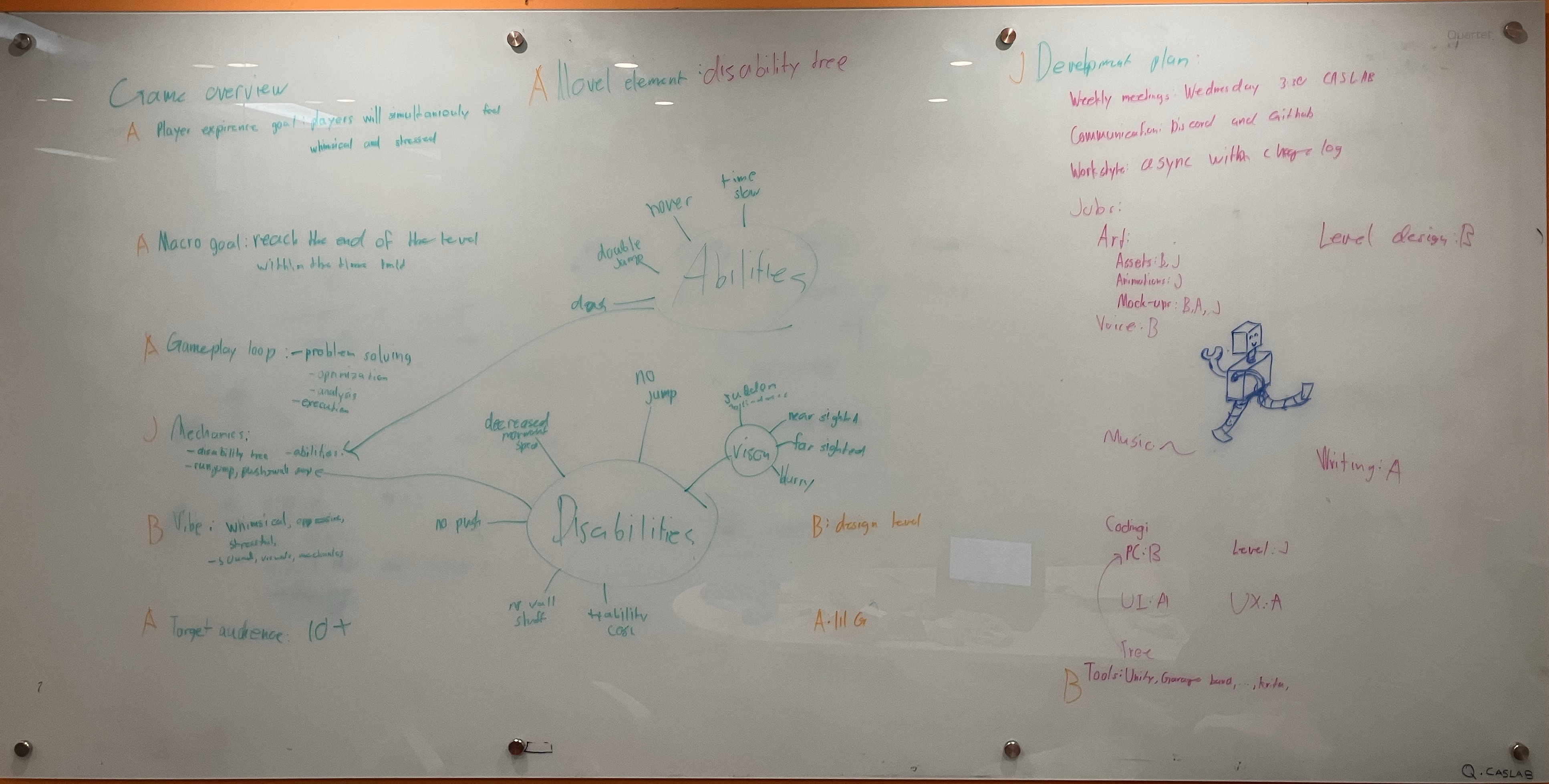
The class taught and encouraged us to brainstorm and discuss before settling on an idea for the game. So, after a handful of meetings, lots of brainstorming, and a bit of screaming at each other we had the outlines of a game. Inside a document we had listed out: player experience goals, gameplay loop, gameplay mechanics, aesthetics of the game, target audience, a development plan, and how tasks were divided up among our small team of 3.
Before we even touched a game engine we started by creating a physical prototype. We all came with sketches of levels, helping us both to reign in the visual aesthetic of the game and test to see which platforming puzzles are fun and which aren’t. With these sketches we each “played” through the level on the paper, by pointing out how we’d maneuver and which solutions to puzzles we saw. With the physical prototypes, we were able to decide on what the visual style of the game would be along with the level design principles that we would build upon once we began work on our own levels independently.
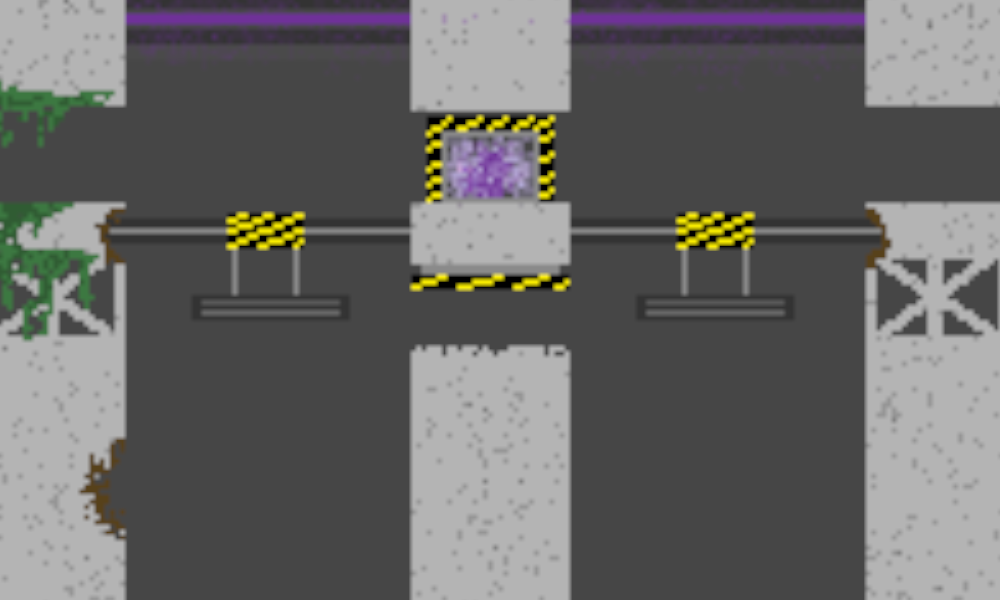
When we started working independently it went like just about any other group game development process, coding, finding errors, fixing errors, and getting frustrated over in game physics. The main difference was the level of communication I kept with my team, outside of the weekly meetings we would often discuss what we were working on and help each other if anyone encountered a large roadblock. Using Unity’s VCS also taught me of the usefulness of VCS systems and how to use them.
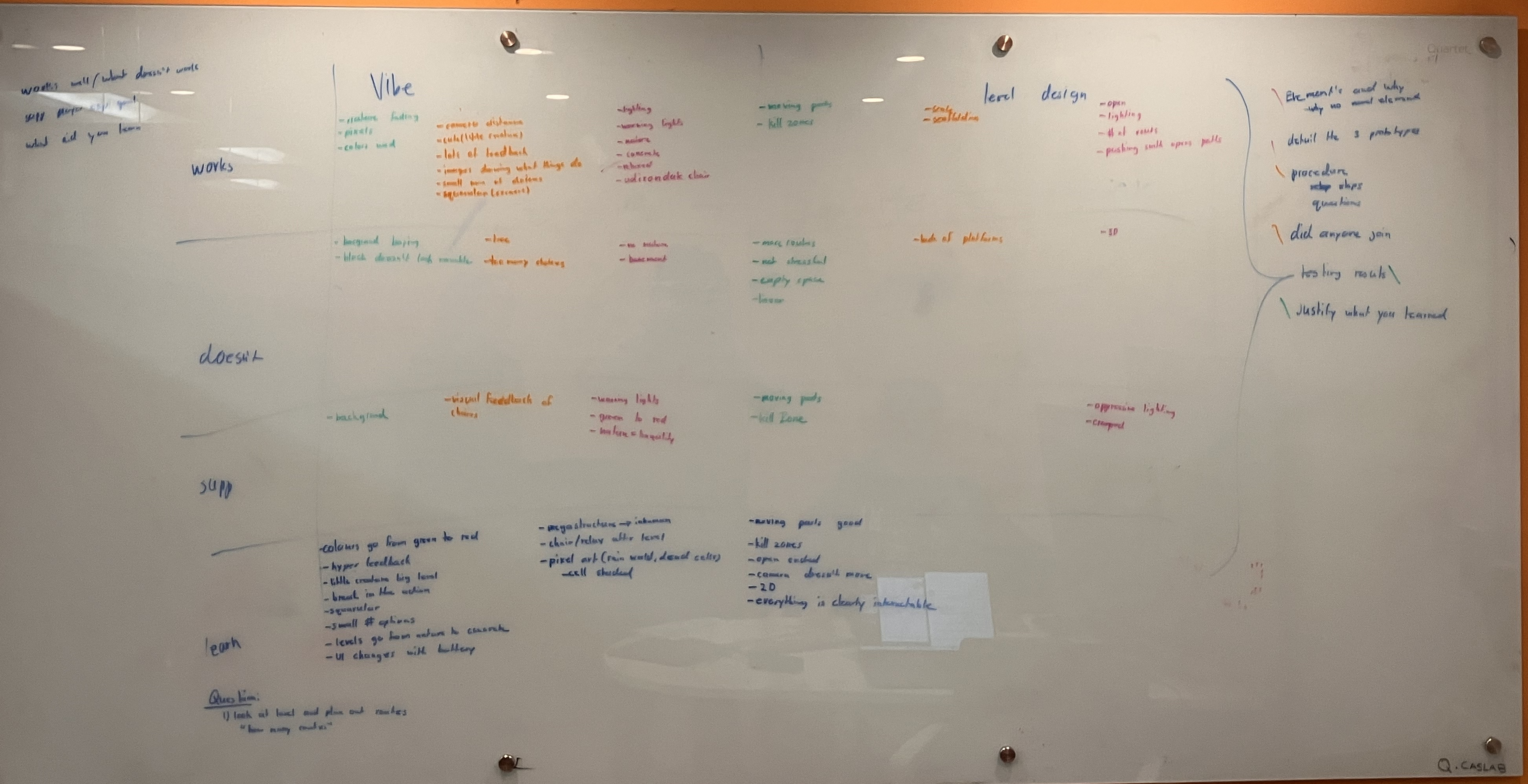
Once we had our digital prototype we went to play testing. We sat people down and had them thoroughly play through the game, recording them as they played. Whenever they brought up something about the game that was unsatisfactory, we pushed to reach the bottom of their issue. By finding the root of the issue, we could gather more workable feedback. With all our interviews down we compiled and filtered through them at our next meeting. Turns out the game wasn’t very good. Despite that we soldiered on, writing down all the feedback dividing the work amongst the team.
Once we had our digital prototype we went to play testing. We sat people down and had them thoroughly play through the game, recording them as they played. Whenever they brought up something about the game that was unsatisfactory, we pushed to reach the bottom of their issue. By finding the root of the issue, we could gather more workable feedback. With all our interviews down we compiled and filtered through them at our next meeting. Turns out the game wasn’t very good. Despite that we soldiered on, writing down all the feedback dividing the work amongst the team.
Once we implemented the changes we had to start working on polishing the game, this mostly meant adding sound and visuals. I was charged with creating the audio and the visuals for the environment along with implementing animations.
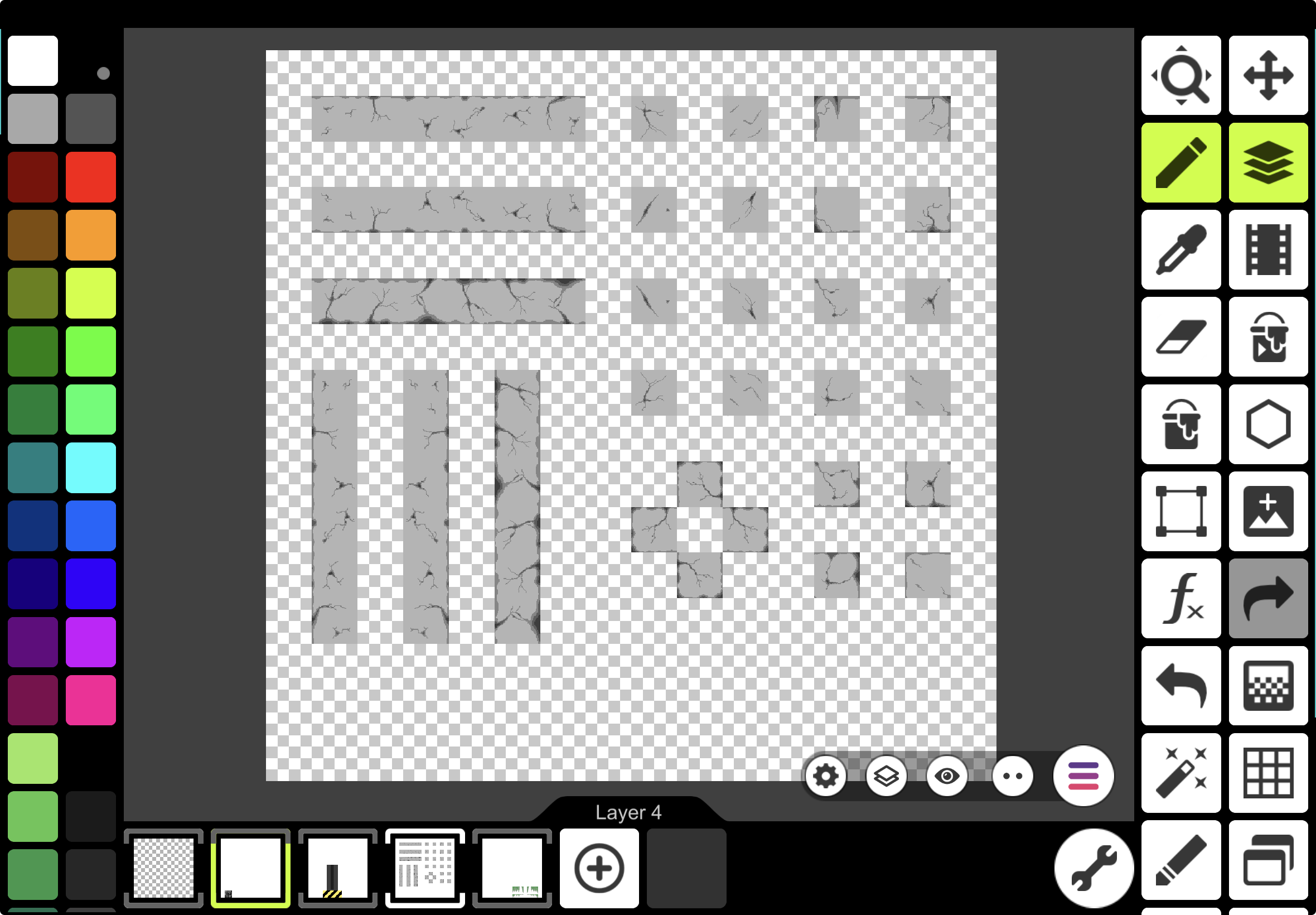
I created the levels from scratch using Pixel Studio on my ipad, during this process I learned a lot about how to appropriately texture and greeble. I also learned how to approximate things like flowers or vines with a minimal pixel and palette.
I created the levels from scratch using Pixel Studio on my ipad, during this process I learned a lot about how to appropriately texture and greeble. I also learned how to approximate things like flowers or vines with a minimal pixel and palette.
Much of the sound was created using www.bfxr.net by tweaking the values so I could approximate the sounds I was looking for. The 8-bit sounds also fit the pixel art style we had going on. The more complicated sound like that of waterfalls and background music were instead pulled from freesound.org.
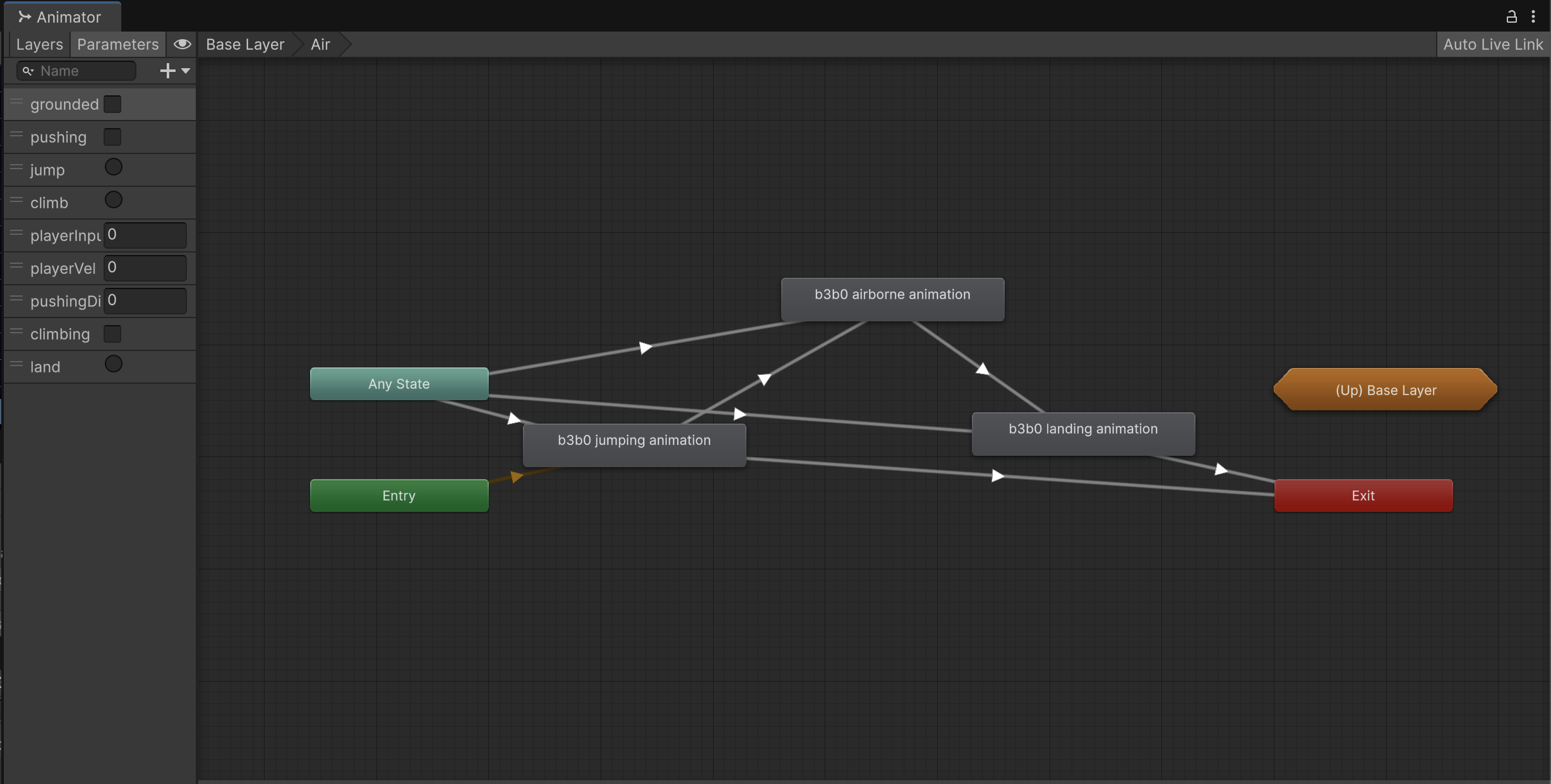
Learning Unity’s animation controller in such a short amount of time wasn’t easy, but after a few hours of slamming my head against a wall I feel that I have a pretty good grasp of the feature.
Learning Unity’s animation controller in such a short amount of time wasn’t easy, but after a few hours of slamming my head against a wall I feel that I have a pretty good grasp of the feature.
The end of development was quite stressful and rushed but in the end we were able to hand in a finished product and even have our own booth at the Creative Computing Showcase.
Lessons Learned
This project gave me the opportunity to learn a lot about what goes into making a product. How to properly brainstorm as a team, how to communicate, how to use Git, and how to play into your teammates strengths and weaknesses. It let me familiarize myself with something akin to the agile development cycle, with how often we prototyped and how workable data was collected during testing.
I also gained insight into how the other parts of game development worked. I helped in both the art and the audio of the game and through that gained insight into just how much depth and complexity there is in those facets.
I also gained insight into how the other parts of game development worked. I helped in both the art and the audio of the game and through that gained insight into just how much depth and complexity there is in those facets.